
Cart (
0
)
No items found.
Go to pricingProduct is not available in this quantity.
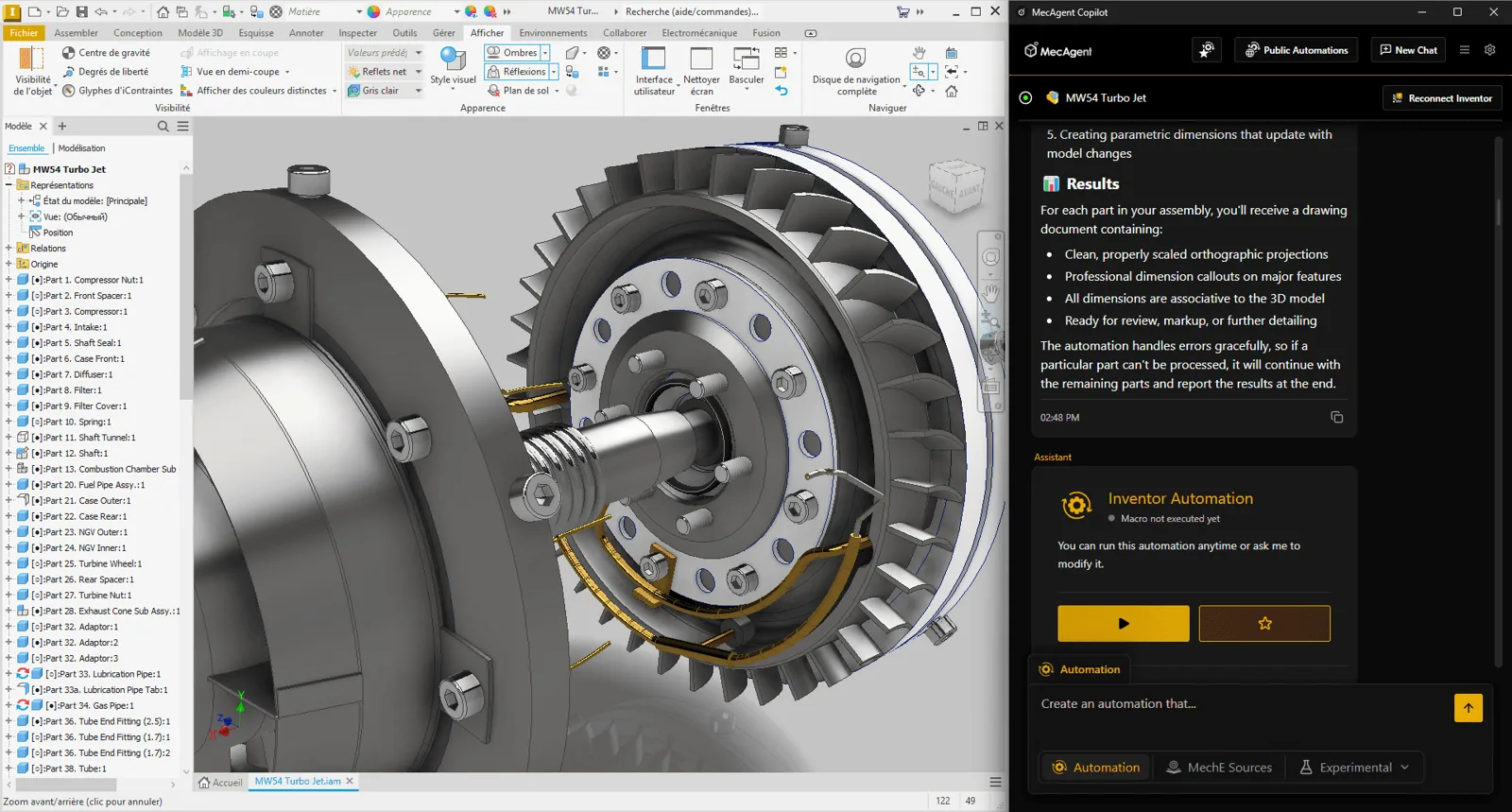
Type what you need and MecAgent does it in your CAD for you. Parametric parts from a text description, automation of repetitive steps, bulk drawing exports and checks against standards – without writing macros.
Runs right inside SOLIDWORKS and Autodesk Inventor · 4CAD is an authorised MecAgent partner for the Czech Republic and Slovakia
Text → CAD
Part from a description
1 click
Instead of hundreds of steps
GD&T
ASME Y14.5 · ISO 1101
PDF · DXF
Bulk exports
0 lines
Of macro code
How it works
MecAgent runs as a panel right inside your CAD and works through its API. It takes over routine, time-consuming tasks so designers can focus on real design work. Decisions stay with the engineer.
01
In plain language in the MecAgent panel: “For every sheet metal part, create a drawing with the flat pattern and export it to PDF and DXF.”
02
MecAgent turns the prompt into CAD operations and macros and runs them itself. You watch the progress right in the model.
03
Save a successful automation to your buttons and share it with colleagues. Next time it takes a single click.
What MecAgent does
The demos are real recordings from SOLIDWORKS and Inventor – click an image to play it.
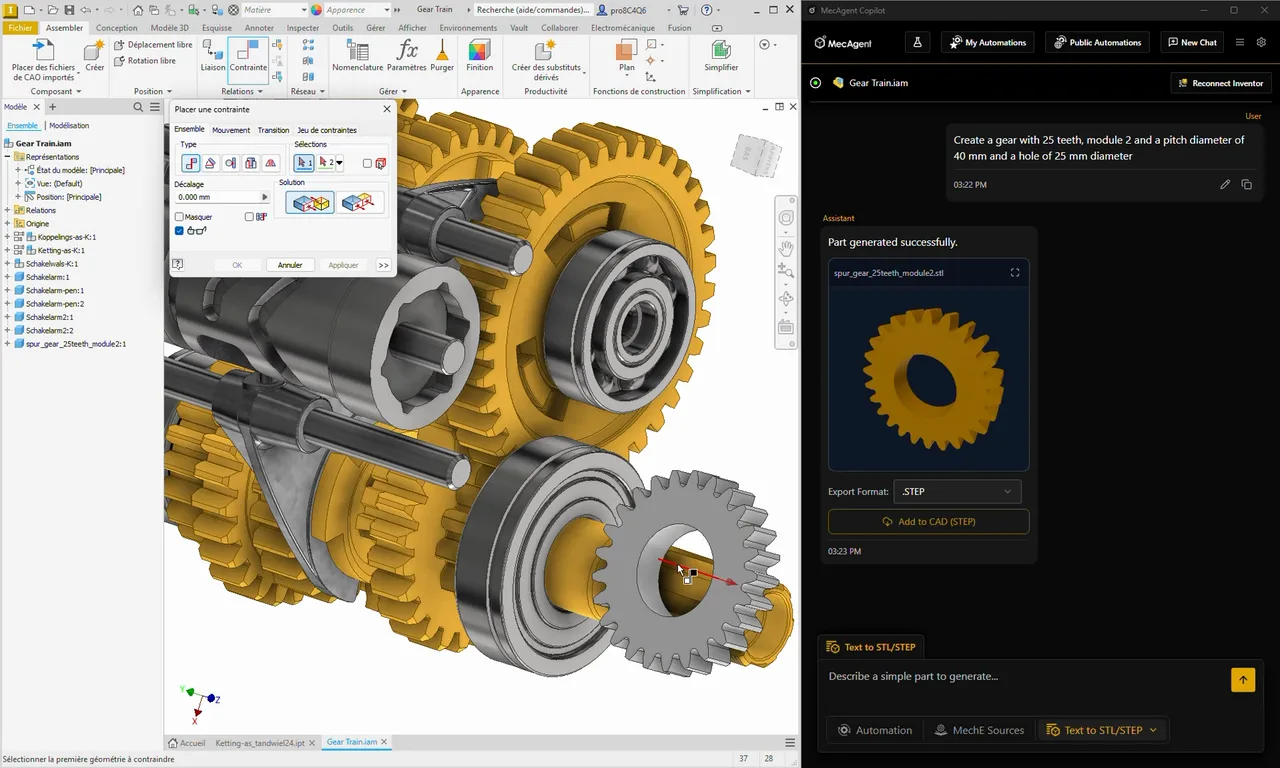
Creates a simple, editable parametric part from a description or a sketch.
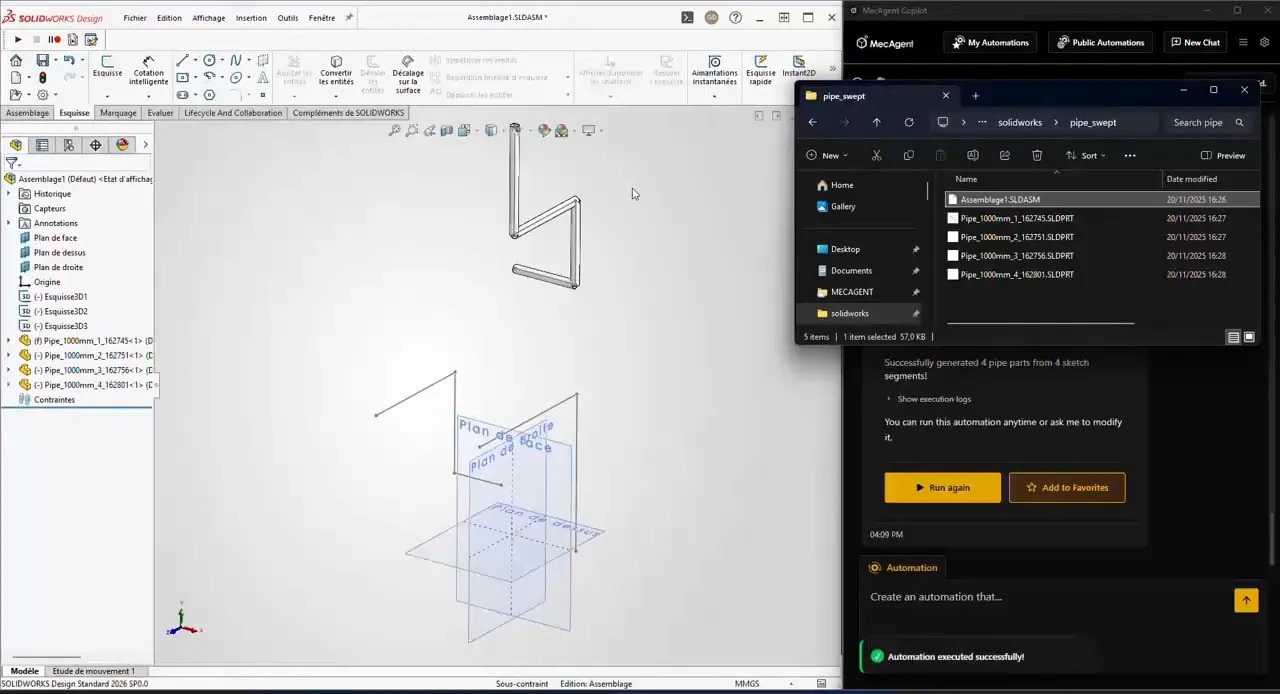
Turns the prompt into a macro via the CAD API, runs it and maintains it.
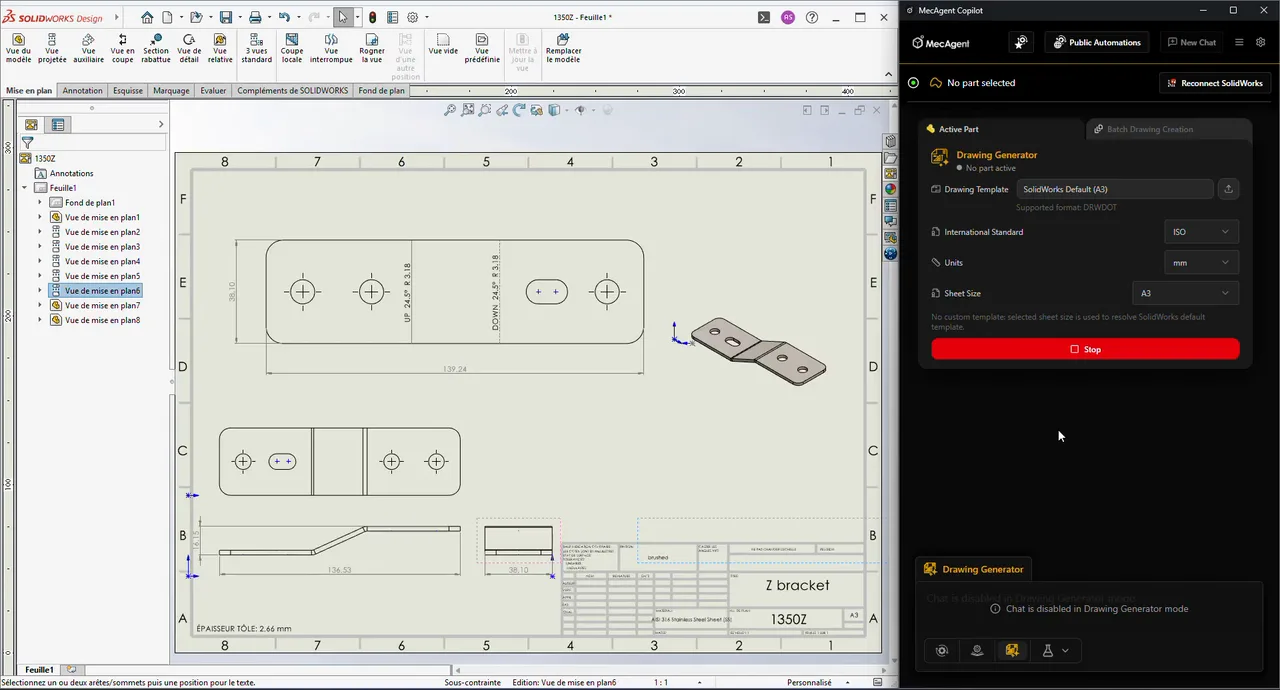
Adds PMI/MBD annotations to ASME Y14.5 and ISO; the drawing stays associative with the model.
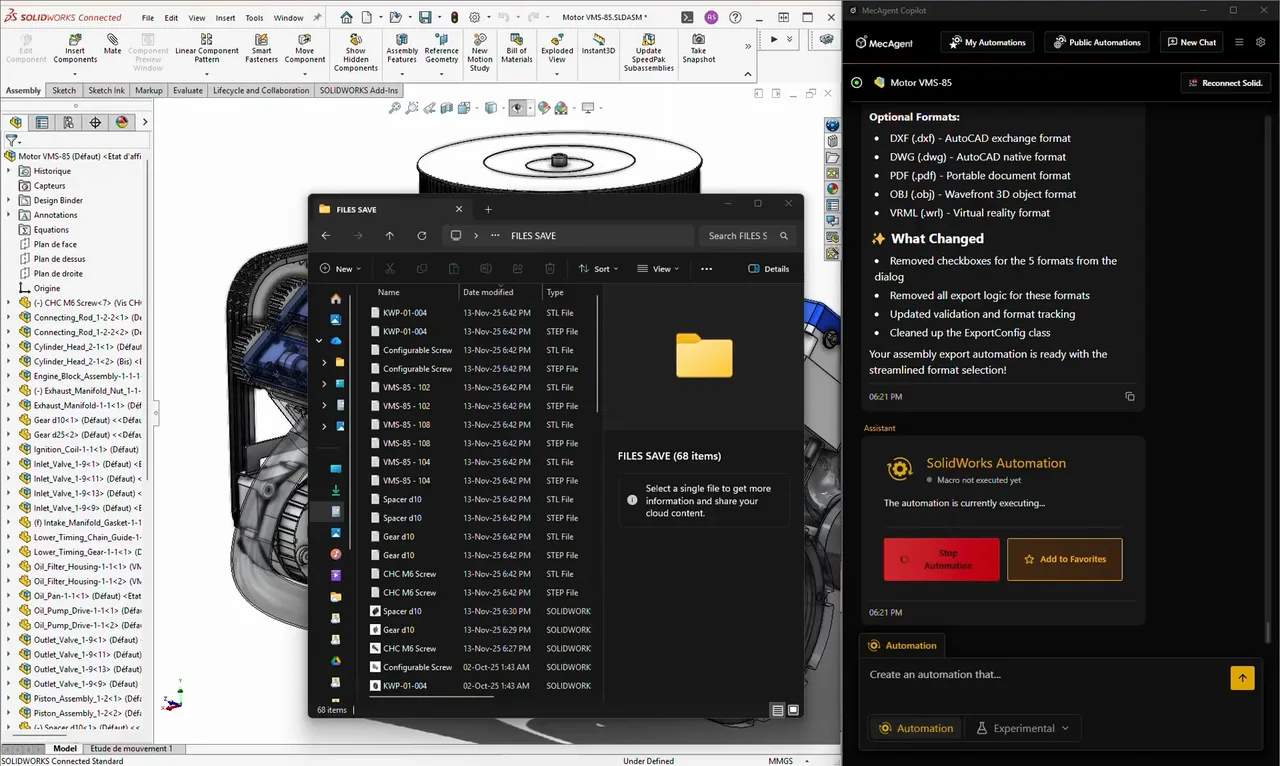
Walks through an assembly or folder and exports drawings and models.
Finds parts and assemblies by keywords or a sketch, even in unorganised folders.
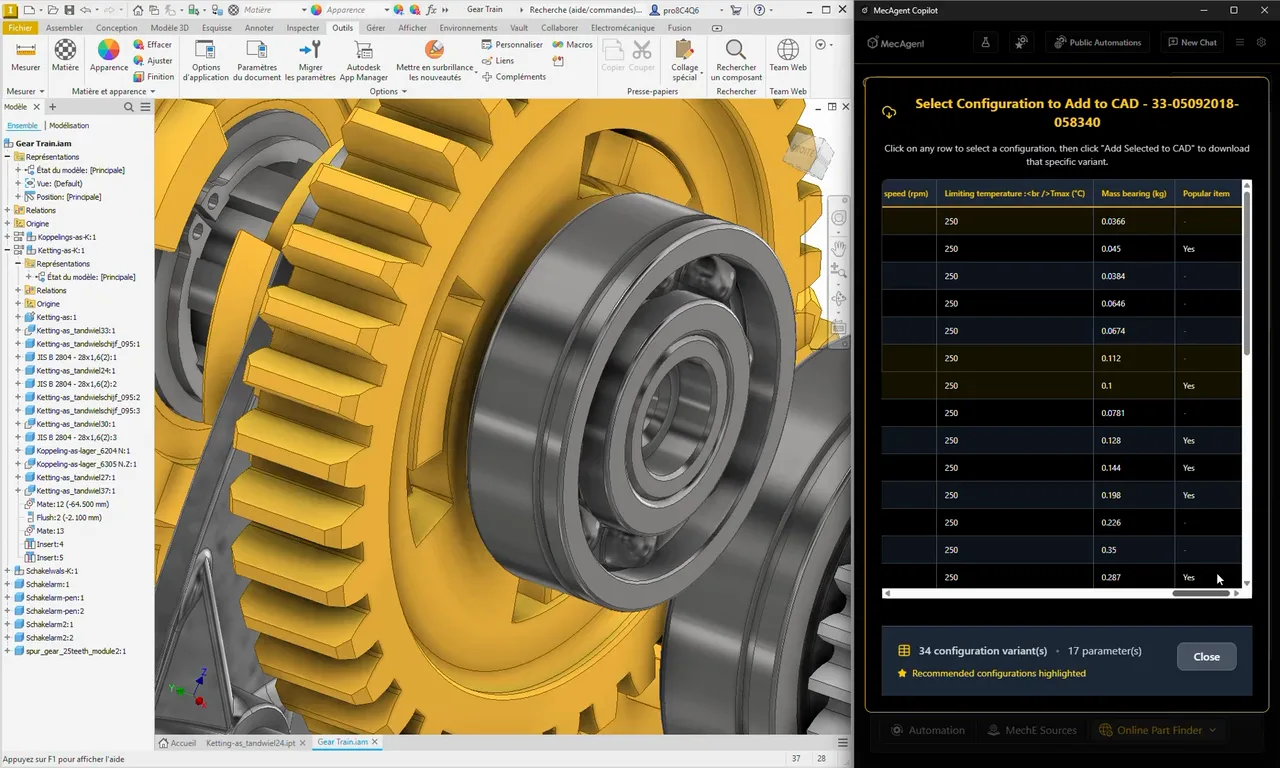
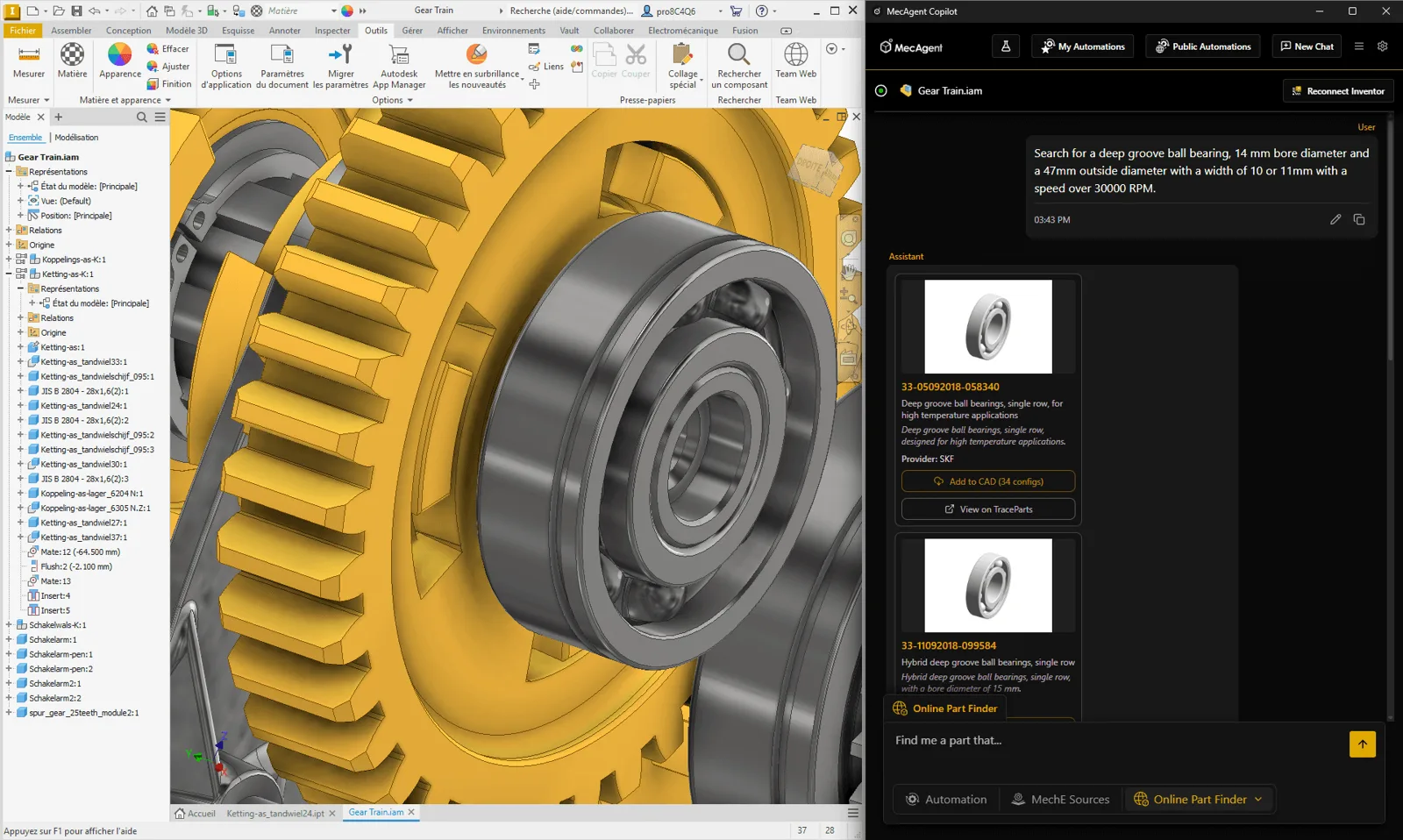
Finds standard and catalogue parts online and inserts them into the model.
Compared with manual CAD work
Manually
With MecAgent
Security and support
Privacy mode
In Privacy mode your data is not used to train AI.
SOC 2
MecAgent has completed its SOC 2 examination and runs on SOC 2 compliant infrastructure.
On-premise
For sensitive projects the Enterprise plan offers an on-premise option.
Local support
4CAD is an authorised partner for the Czech Republic and Slovakia: licences, support and training.
Pricing
Copilot as an annually billed subscription. Tokens are one monthly budget shared by all actions – AI runs, macros, Drawing-to-CAD and CAD-to-Drawing, including drawing generation. 4CAD is an authorised MecAgent partner for the Czech Republic and Slovakia (licences, support, training).
Copilot – subscription, billed annually
Free
€0
free
Starter
€845
per year
Advanced+
€4,190
per year
Enterprise
Custom
tailored quote
Prices are per user per year, excluding VAT – you choose the number of licences when ordering. For larger teams or Enterprise, 4CAD solution will prepare a quote.
Tokens are one monthly budget shared by every action – the more you give to one action, the less is left for the others. Choose how you work:
Maximum number of actions per month according to the MecAgent pricing calculator; actual usage depends on task complexity. Drawing-to-CAD and CAD-to-Drawing are not included in the Free plan. Enterprise budgets are sized to the team.
Videos
Real recordings from the MecAgent team – automation, drawings and text-to-CAD in SOLIDWORKS and Inventor.
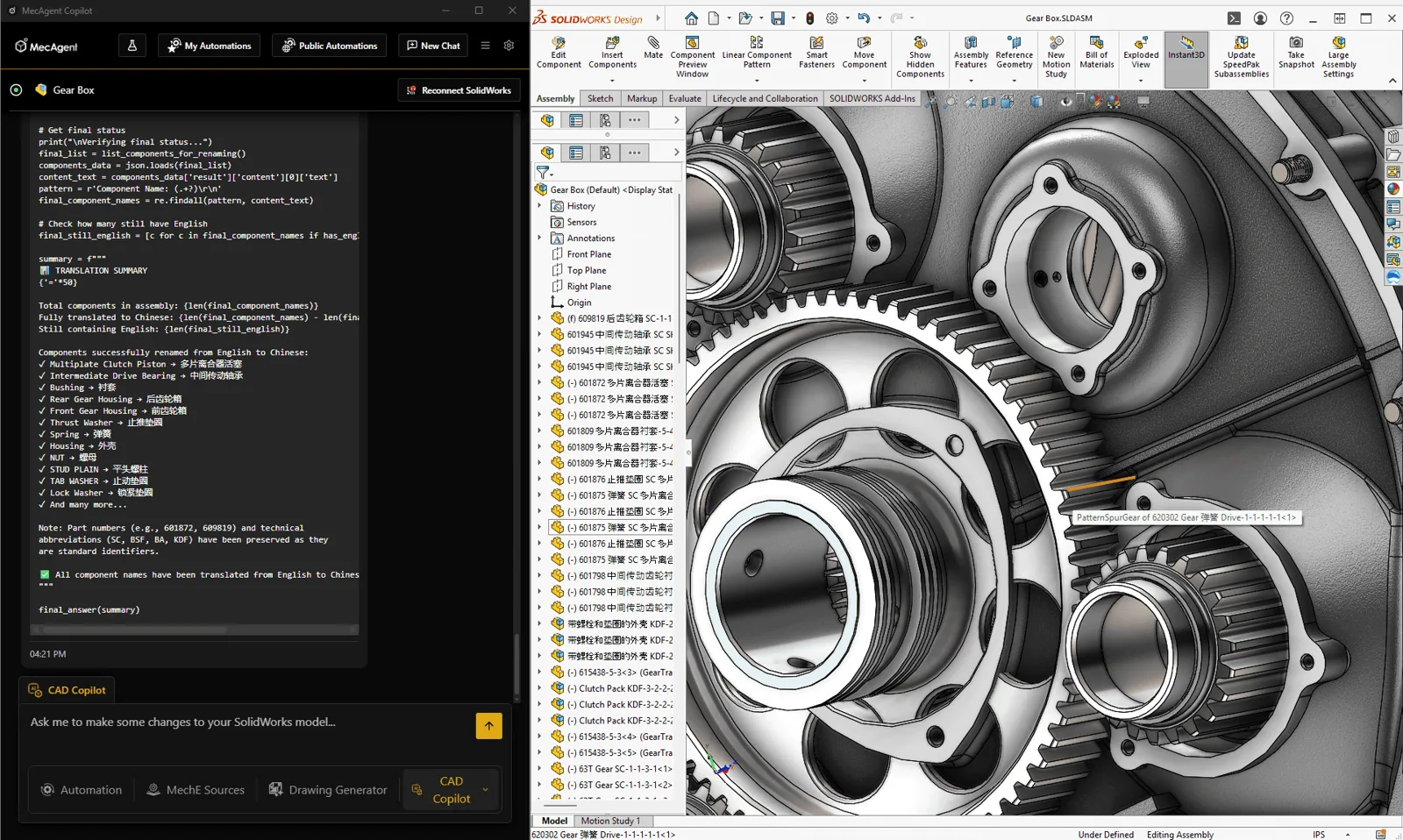
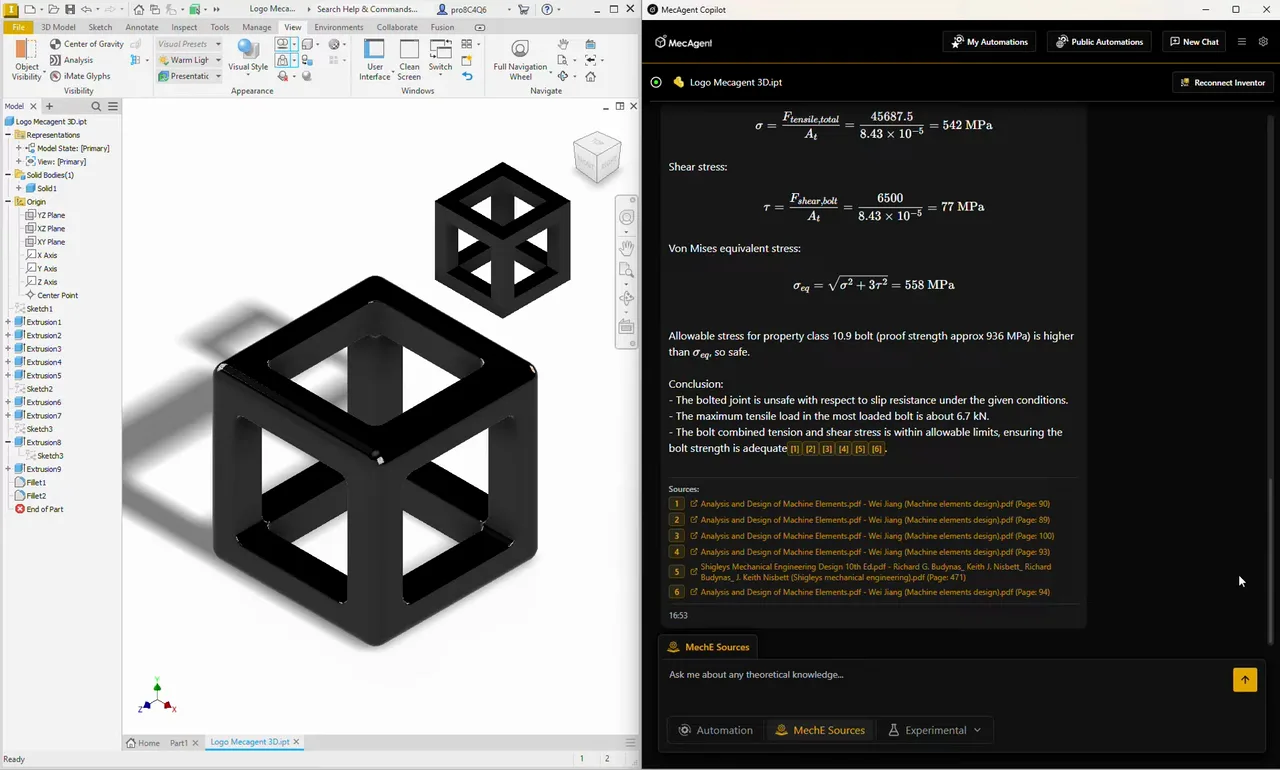
More videos sorted by feature are on the page MecAgent feature demos →
FAQ
Today it runs in SOLIDWORKS and Autodesk Inventor. Support for CATIA, Fusion 360, NX, Solid Edge, Onshape and Creo is in preparation. The Free plan works with SOLIDWORKS only.
No. You describe the task in plain language and MecAgent turns it into CAD operations and macros. Save a successful automation as a button and run it with one click next time.
MecAgent works with the model open in your CAD. In Privacy mode your data is not used to train AI, and the infrastructure is SOC 2 compliant. For sensitive projects the Enterprise plan offers an on-premise option.
Yes. The Free plan costs nothing: 3,000 tokens a month, MecAgent Light & Medium models and community support, SOLIDWORKS only. We are also happy to show you MecAgent on your own data.
Copilot Starter costs €845 and Advanced+ €4,190 per year. Drawing generation draws on the plan's tokens and is not billed separately. Prices exclude VAT; 4CAD solution will prepare a binding quote.
4CAD solution is the authorised MecAgent partner for the Czech Republic and Slovakia. We provide licences, support and training, and help you build the first automations for your typical tasks.
MecAgent is an independent tool and is not affiliated with Dassault Systèmes or Autodesk. SOLIDWORKS, CATIA, Inventor, Fusion 360 and others are trademarks of their respective owners.
We'll show you MecAgent in your CAD and set up the first automation for your typical tasks.
We will be happy to advise you and call you back.
Leave us your contact details and our sales representative will get in touch as soon as possible to explain everything in detail.