
Cart (
0
)
No items found.
Go to pricingProduct is not available in this quantity.
Upload your 3D parts, mark datums and critical surfaces in the 3D viewer, and an AI agent prepares fully dimensioned production drawings with tolerances and GD&T to ISO 1101 or ASME Y14.5 in the background. Download them as PDF or as a SOLIDWORKS drawing linked to the model.
MecAgent Drawings service · 4CAD is an authorised MecAgent partner for the Czech Republic and Slovakia
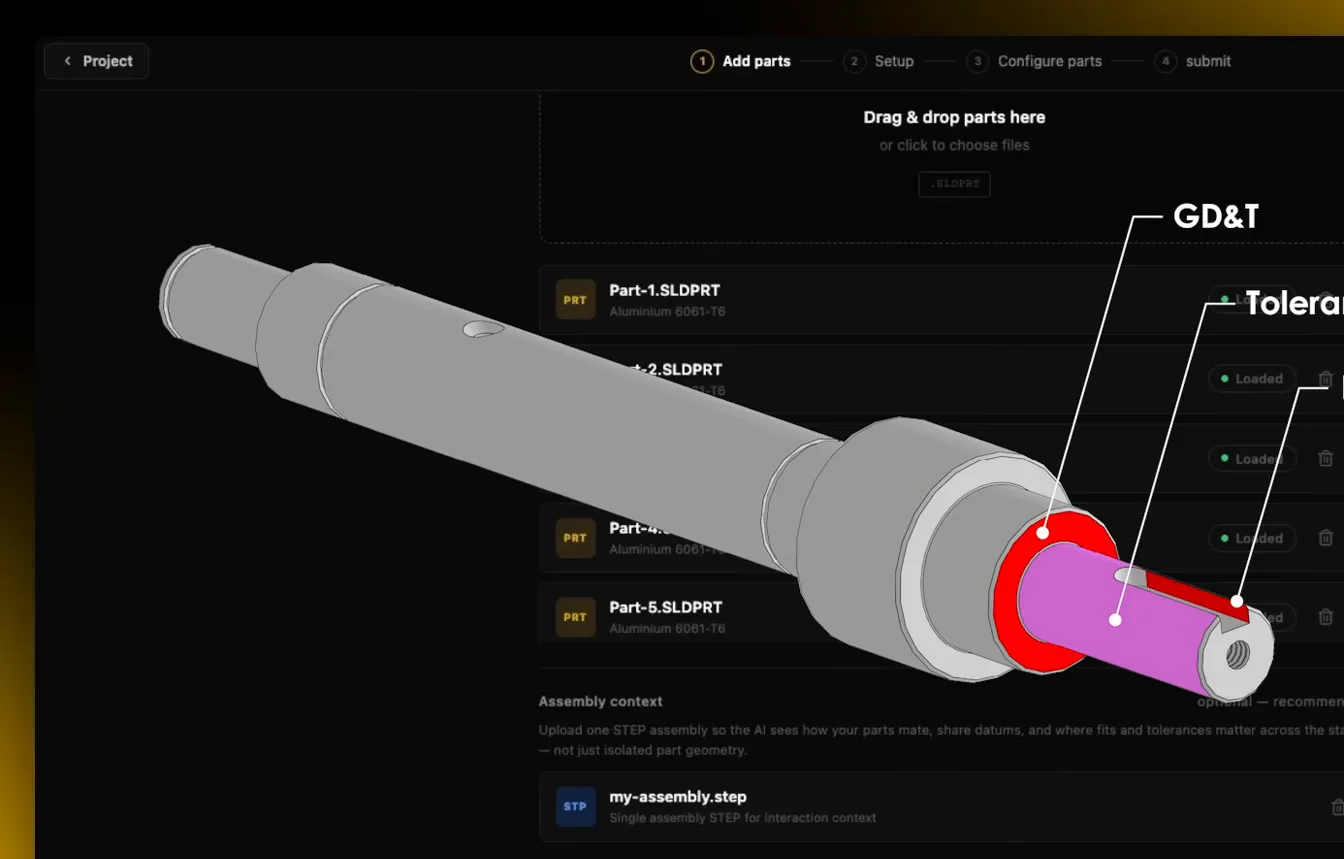
GD&T
Tolerances and fits
ISO 1101 · ASME
To the standard you choose
2–24 h
Processing time by complexity
PDF · SLDDRW
Download formats
Tokens
within your Copilot plan
How it works
Everything happens in the MecAgent Drawings web app. Drawings are generated in the background, so you can work on something else in the meantime.
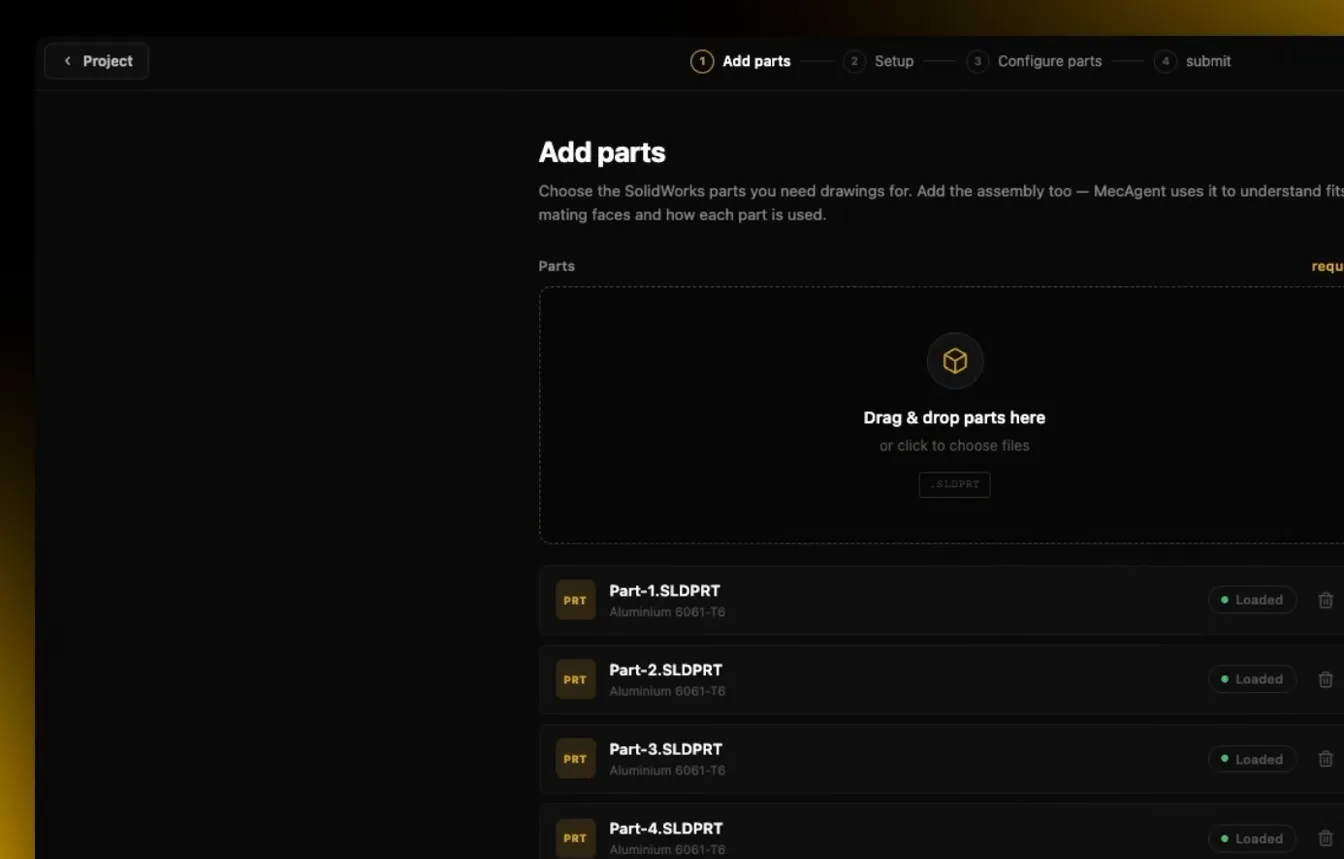
01
Drag and drop your SOLIDWORKS parts and add the assembly so MecAgent understands how the parts mate and what each one is for.
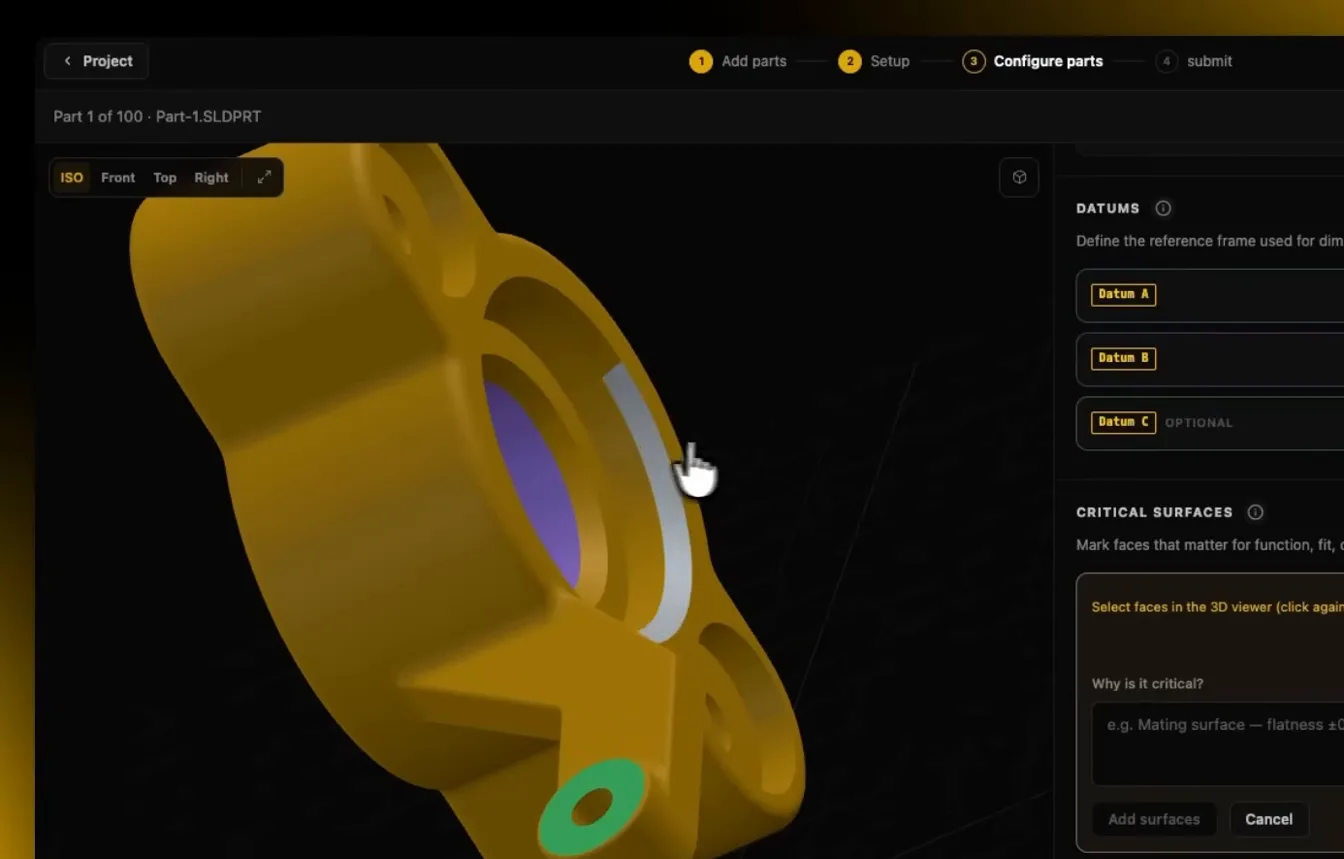
02
In the 3D viewer, click to select datums A, B, C and critical surfaces, choose the manufacturing process and add notes if needed.
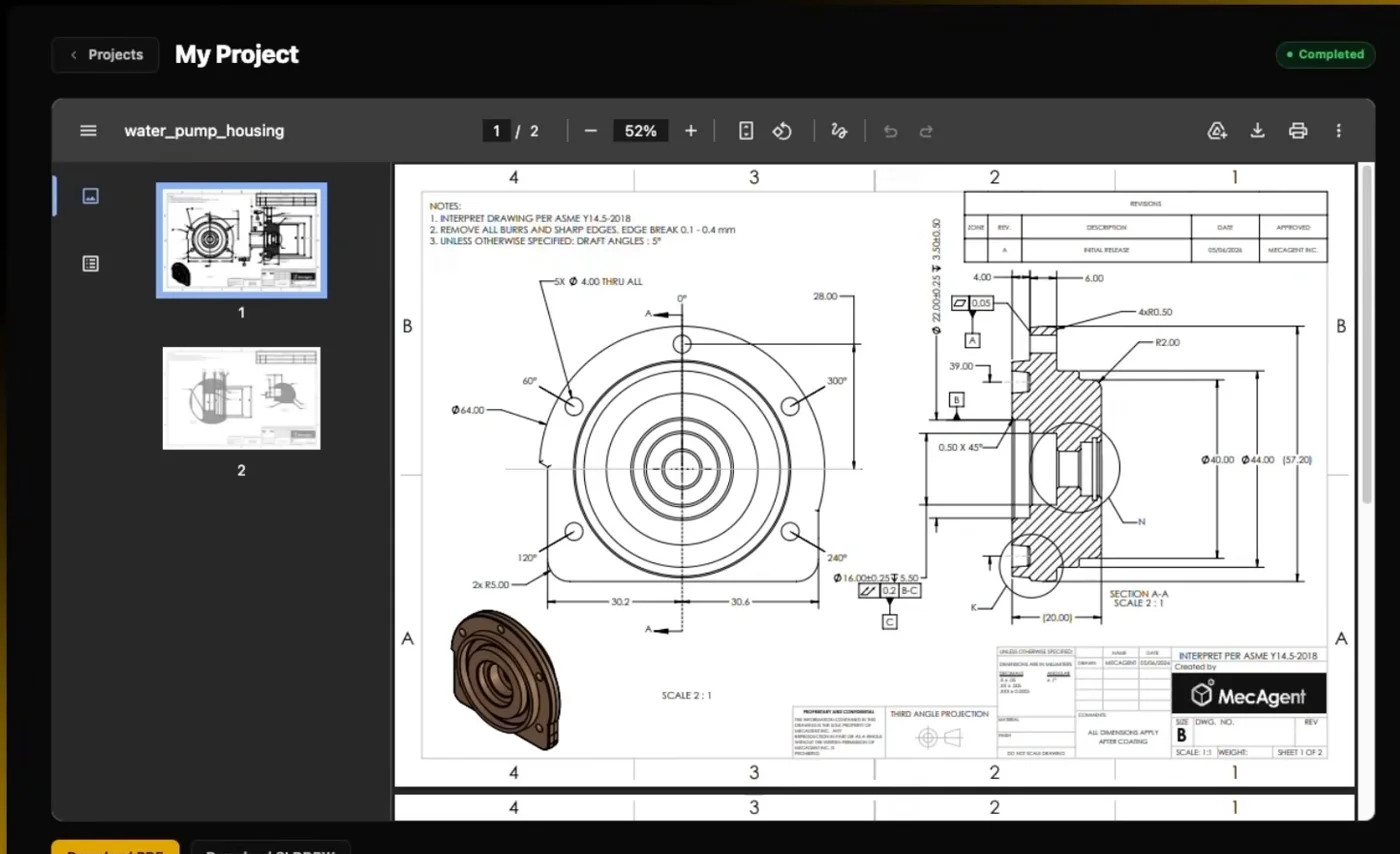
03
The AI agent prepares dimensioned drawings to your chosen standard in 2 to 24 hours, depending on complexity. Download them as PDF or as a SOLIDWORKS drawing.
What you get
A fully dimensioned drawing with tolerances, fits and geometric tolerances referenced to your chosen datums. Datums and position, flatness and perpendicularity tolerances are assigned automatically from the surfaces you select.
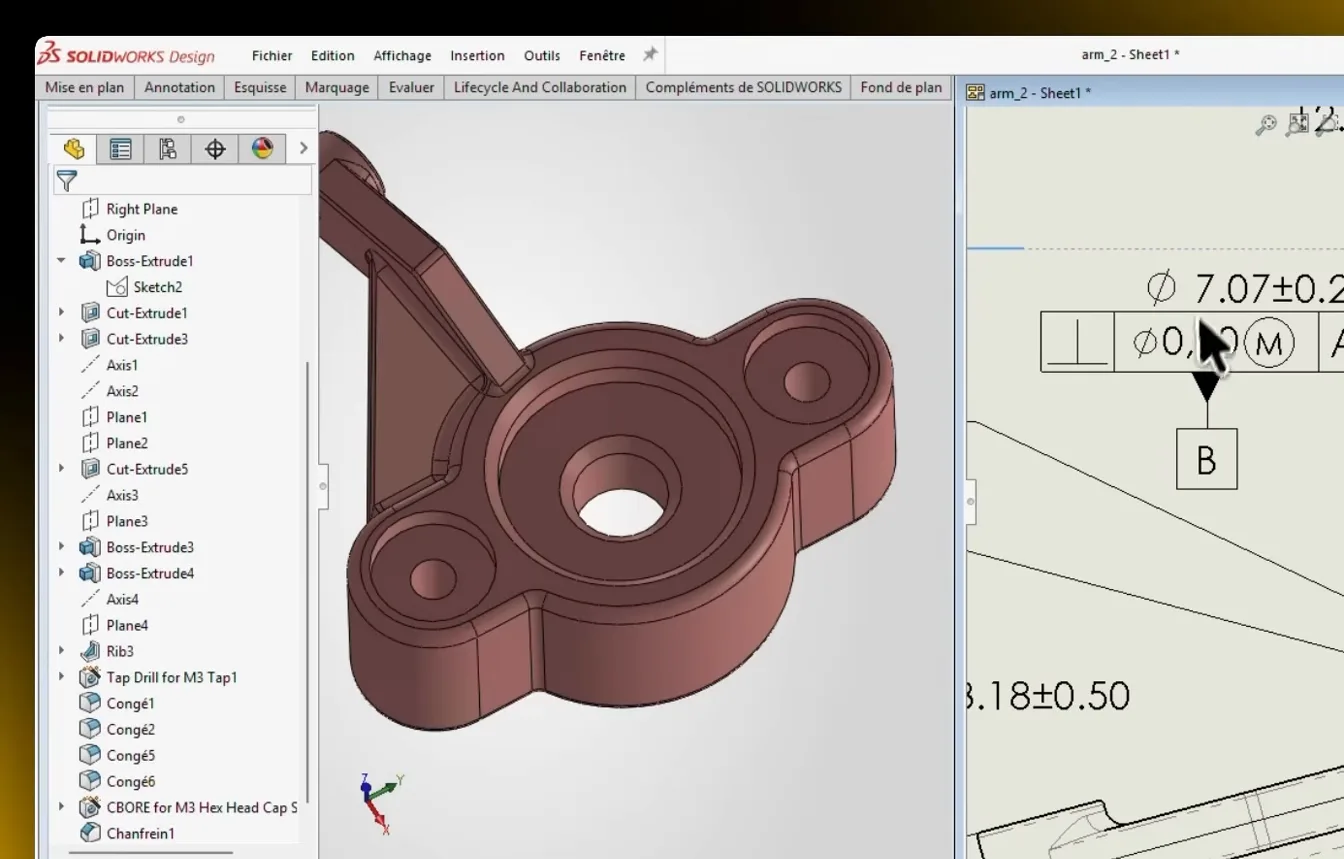
Open the drawing in SOLIDWORKS. It stays associative with the model, so geometry changes carry through to the drawing.
Standards
ASME Y14.5 or ISO 1101, your choice. Title block, tolerances and views are formatted automatically.
Whole assemblies
Upload dozens of parts at once and get a drawing for each of them.
Assembly context
The assembly shows the agent the mating faces and the purpose of each part.
Custom AI model
On request, a model trained on your team's drawings.
FAQ
From SOLIDWORKS 3D parts. For context you add the assembly, for example as a STEP file, so the agent understands how the parts mate and what they are for.
To the standard you choose: ASME Y14.5 or ISO 1101. Dimensions, tolerances and geometric tolerances follow it.
Drawings are generated in the background, in 2 to 24 hours depending on the complexity of the part. Meanwhile you can work on something else.
Yes. The drawing downloaded for SOLIDWORKS stays associative with the 3D model, so geometry changes carry through.
Drawing generation no longer has a separate price list – it draws on the tokens of your MecAgent Copilot plan (Starter €845, Advanced+ €4,190 per year). Prices exclude VAT.
AI Drawing in the Copilot creates views, tables and annotations right in your CAD. MecAgent Drawings is a separate service for complete production drawings including GD&T.
We'll show you MecAgent Drawings on your model and prepare a quote based on your drawing volume.